I’ve been doing some work in the EMC vLabs and I thought I’d take note of how to join an Isilon cluster to Active Directory. The cluster in this example is running 3 Isilon virtual nodes with OneFS 7.1.0.0.
Once you’ve logged in, click on Cluster Management and Access Management. Under Access Management, click on Active Directory. Note that there are no Active Directory providers configured in this example.
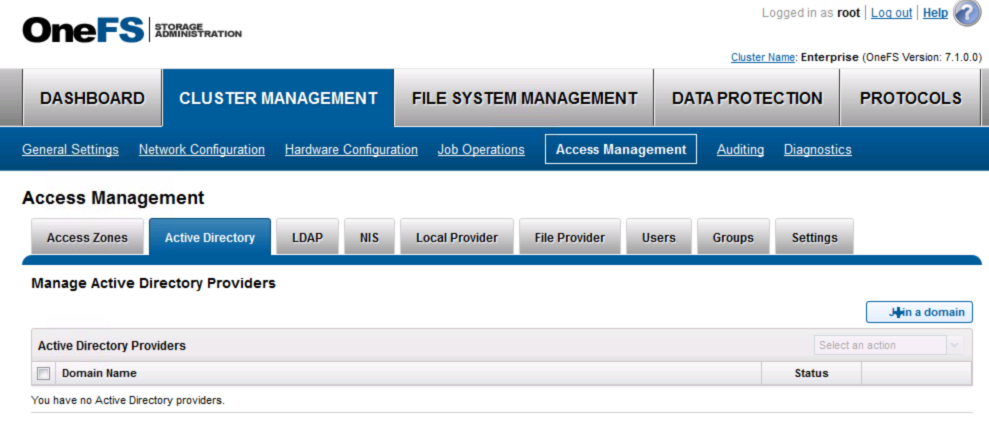
Click on “Join a domain”. You can then specify the Domain Name, etc. You can also specify the OU and Machine Account if required.

Once you click on Join, you’ll be joined to the AD.

To confirm this, you can also use isi auth status to confirm the status.

And that’s it. As always, I recommend you use a directory service of some type on all of your devices for authentication.
Pingback: EMC – Isilon – Joining Active Directory ~ VMware Design